Something big is brewing at Wobby (stay tuned!). But we couldn't wait to share the good stuff we've already shipped: tons of bug fixes, UI polish, and those "why didn't we have this before?" features that just make everything click better.
New Features
-
Up To 150 Tables Per Agent
The backend architecture of the agent has been changed to allow up to 150 tables to be linked to it. -
Add Tables to Existing Data Source
You can now add tables to an existing data source, enhancing flexibility and ease of data management. -
New Data Agent Creation Screen
When creating an agent, you can choose a template or start from scratch. -
Markdown Editor for Instructions
You can now write agent instructions in Markdown, and preview them in place. -
Enhance Button for Agent Instructions
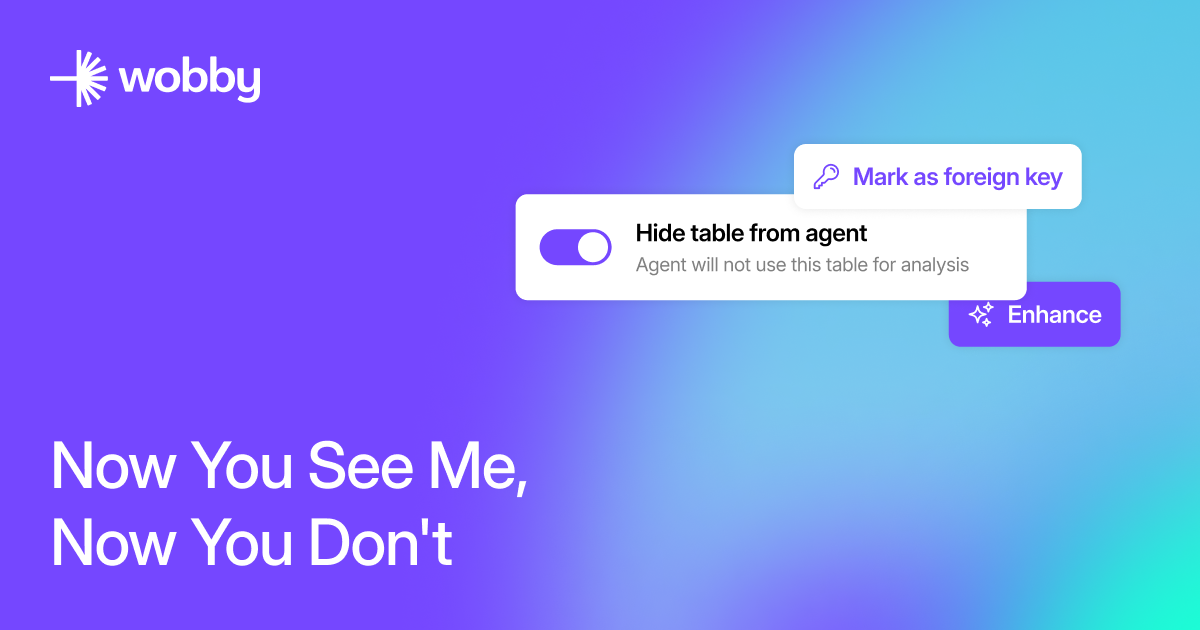
A new LLM-powered "enhance" button has been added to improve the clarity and quality of agent instructions. -
Hide Columns From Agents
You now have the ability to hide specific columns within a table from the agent, useful for handling legacy, deprecated, or sensitive data. -
Table Keys in Metadata
Primary and foreign keys (PKs, FKs) can now be added and managed within table metadata, allowing the agent to more efficiently join tables together.
Improvements
-
Data Source Connection Flow
The user experience of connecting data sources has been improved for a smoother setup process. -
Reinstall Button for Slack
A new button has been added to easily reinstall and reconnect Wobby with Slack. -
Improved Clarification
Improved accuracy in detecting the questions that require further clarifications.
Bug Fixes
-
Metadata Save Button
Fixed an issue where the metadata save button was not functioning correctly. -
Generated Metadata Description
Resolved an inconsistency where generated descriptions were not being properly set in tables. -
Common Pitfalls Not Saved
Rectified a bug where common pitfalls were not being saved or passed to the agent.