Cmd+B Your Way to Happiness

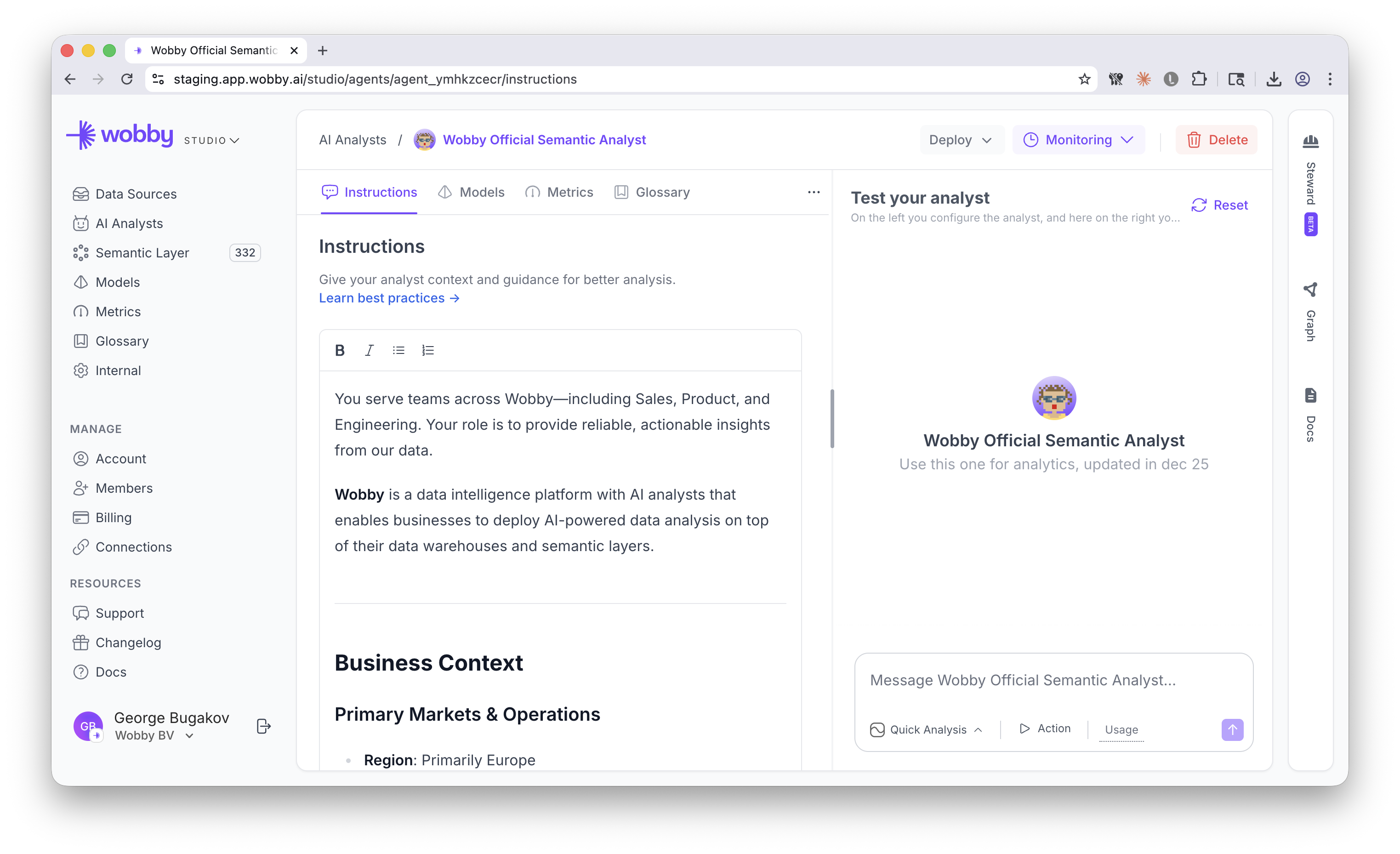
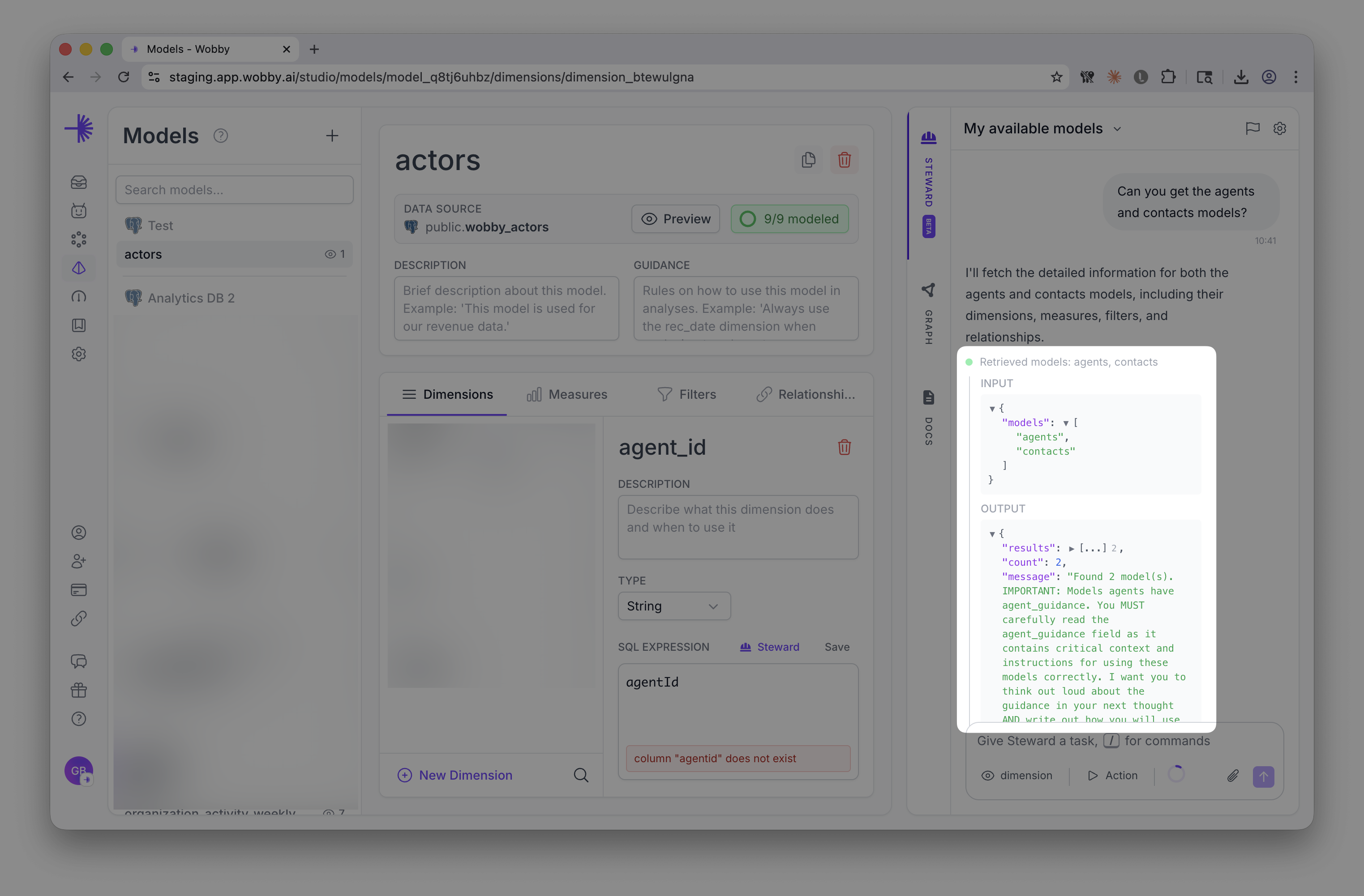
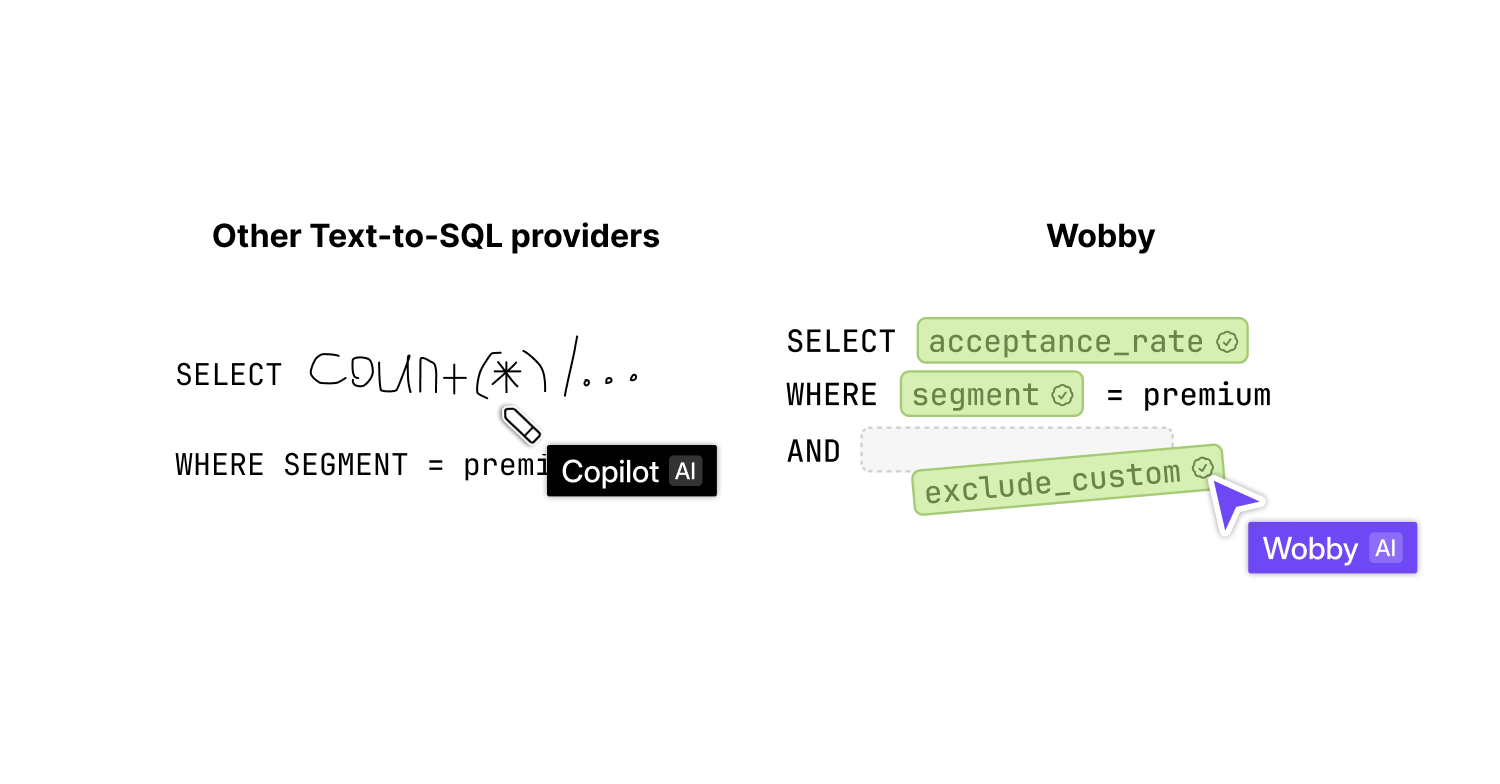
Hey! We've been heads-down building something we're really excited about: a brand-new Semantic Layer. Think models, dimensions, measures, filters, relationships — all tied together with our own query language, SemQL. And to help you actually build and maintain all of that? We made a Steward Agent that works with you through natural conversation.

We're in beta with a few customers right now and going public in 1-2 weeks. Can't wait to show you.

Here's what else shipped:

New Features

Agent Monitoring

Remember the old Agent History page? We threw it out and rebuilt it as a proper Agent Monitoring experience.

Traces Tab

  • See all your agent execution traces in one place

Analytics Tab

  • Dashboards showing how your agents are actually performing
  • Pick your time range (7d, 30d, 90d) to spot trends
  • Get a visual breakdown of what's happening

Export Traces

Want to dig into conversations outside Wobby? Now you can export traces to CSV.

  • Exports include user email, query, full conversation, feedback, channel, and date
  • Whatever filters you have active get applied to the export too

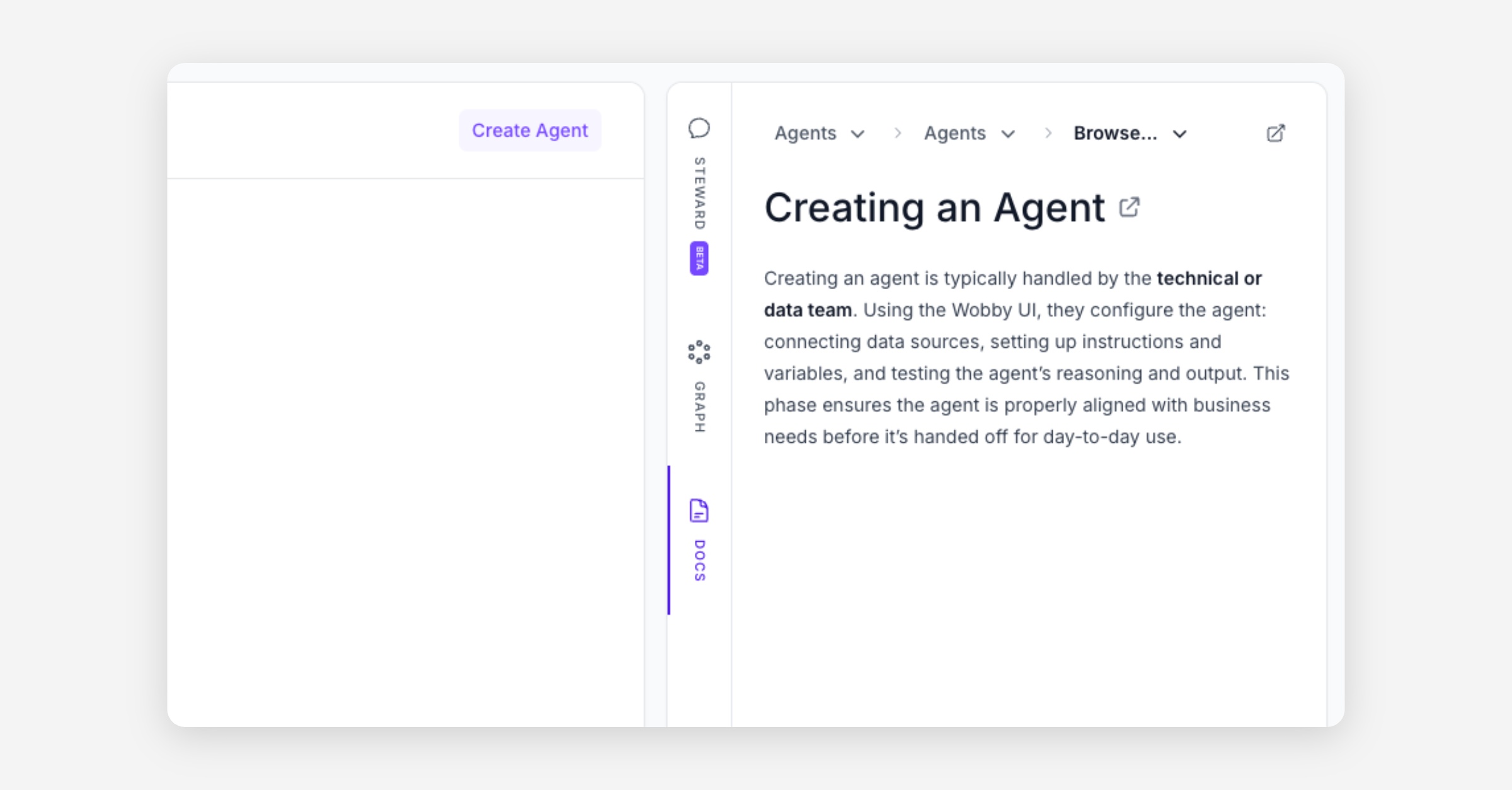
Docs in the Sidebar (Wobby Studio)

  • We added a docs viewer right in the sidebar — no more hunting for documentation in another tab.

Improvements

Better Sidebar

  • The left sidebar is now resizable. Drag it however you like.
  • Hit Ctrl+B to collapse/expand it quickly.

Stability

We did a bunch of work under the hood:

  • Things should feel faster overall — we cut latency in a lot of places
  • Fixed edge cases in the agent loop & improved agent's websocket communication
  • Better error handling and recovery

Thanks for reading! :)

Lock & Key

New Features

Explorer

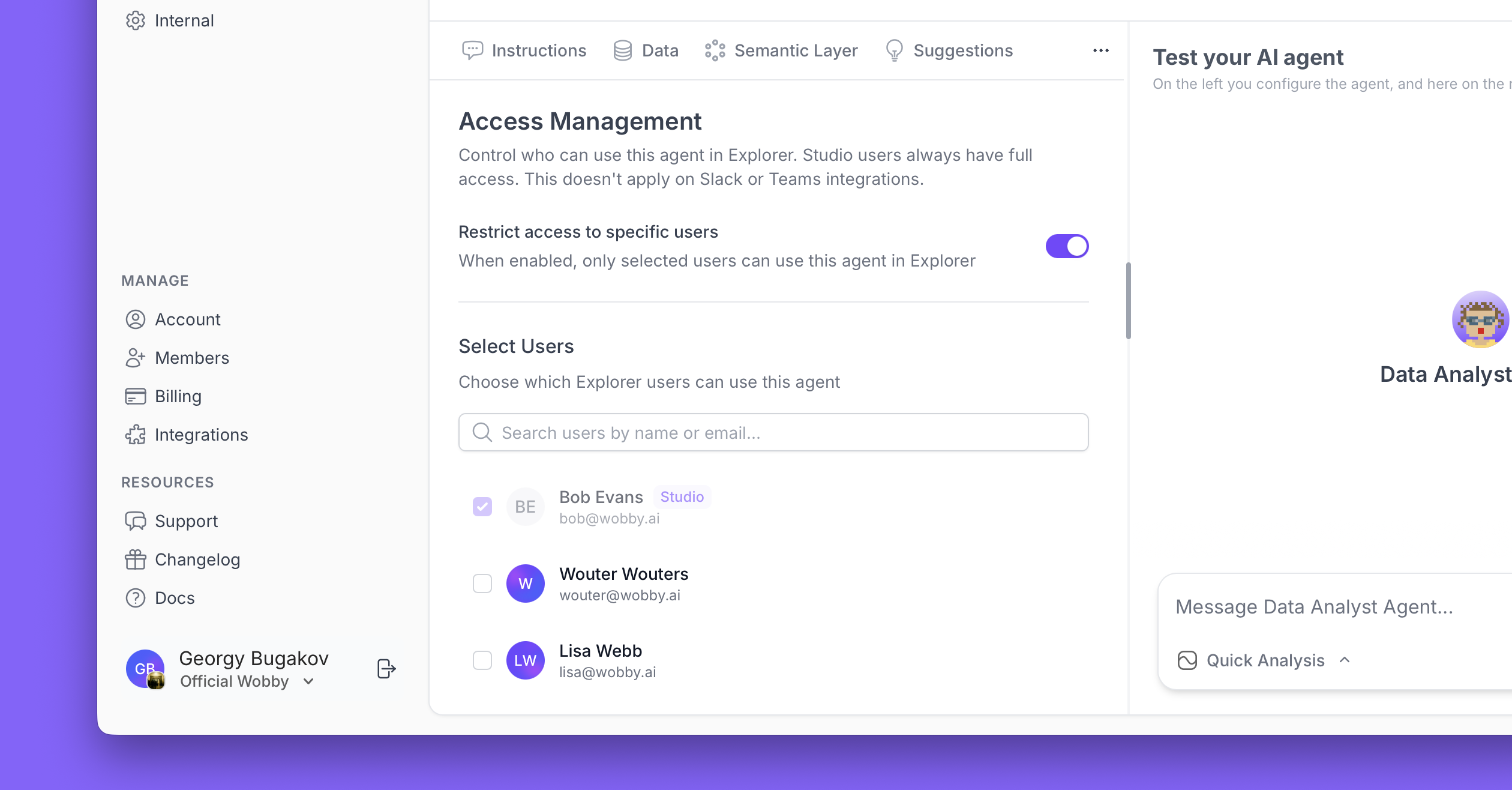
  • Agent Access Control
    Now you can define who can access which agent in Explorer, so Bob from accounting will only see finance-related agents, and Jane from engineering — only the ones relating to product.

Data Sources

  • Snowflake Multi-Schema Support
    Using multiple schemas in Snowflake? We've got you covered. You can now use our agents with your deployment.

Enhancements

Chat

  • Better Input Experience
    The input box in Explorer no longer has weird behaviour when you send long messages. Write longer, more detailed questions without fighting the UI.

  • Title Sanity
    Long analysis titles used to take over your screen. Now they're truncated with an expand button.

  • Table Titles
    Tables in Explorer now have proper titles. Small detail, but when an agent produces a lot of tables, it really helps.

Charts

  • Multi-Dimension Column Charts
    Need to show multiple dimensions in a column chart? Done. Your visualizations just got more powerful.

  • Stacked Charts
    Added stacked column and bar charts for showing how parts contribute to the whole. Perfect for composition analyses.

  • Better Metadata
    Chart axes are now properly labeled with clear X and Y specifications. No more guessing what you're looking at.

Bug Fixes

  • Messages That Send
    Fixed that annoying issue where messages would fail to send in a certain organization.

  • Charts Will Render
    Squashed multiple bugs where the agent would create a chart but it wouldn't display. If the agent says there's a chart, you'll see the chart.

  • Reports Complete
    Deep analysis reports no longer mysteriously stop halfway through. Your comprehensive analyses will finish as expected.

  • Explorer Properly Loads
    Fixed several loading bugs that would leave you staring at spinners forever.

  • Follow-ups Are No Longer Dead-ends
    Follow-up questions in various contexts now work reliably.

  • Suggestions Update
    Switching agents in Explorer now properly updates the suggested questions. No more stale suggestions.

  • Empty Messages Gone
    Fixed bug causing empty assistant messages to appear.

  • Long Datetime Rules
    Date/time column rules now display properly instead of being hidden.

Historically Better

Hi! While we are keeping on working on our Semantic Layer, with very promising results, we have also made some very nice quality of life improvements for Wobby Explorer and Agent History.

Agent History is gone, Agent Monitoring is in

We have completely revamped the Agent History page for easier navigation, helping data teams debug conversations easier.

  • Filters
    Easily filter conversations by follow-ups, channel, mode, feedback, and other indicators.

  • All info in one place
    See all relevant conversation metadata at a glance.

  • Star to keep
    Star your most relevant conversations to keep them handy.

Explorer niceties

While the improvements to explorer are very minor, heavy Explorer users will definitely appreciate them:

  • Star and delete
    Star the important chats to keep them at the top, and delete the clutter to have a tidy workspace

  • Rename chats
    We know auto-generated names are not always ideal, so you can now rename chats

  • Debug quickly
    If you are a data person, you can click "Debug in Studio" button in Explorer to quickly open the same conversation in Studio. (Especially useful when opening conversations from Slack!)

Bug fixes

  • Wobby was a bit overworked
    We have done a lot of work to decrease the latency of requests, so Wobby should respond much faster. If you are still experiencing problems, ping us and we will look into it.

  • Charts not charting
    Sometimes, the charts in Deep Analysis reports would just not show. Now they should.

Thanks for reading, and have a great week!
Query Caching

Honestly, this is about the most boring feature in our entire product, but if you use SQL templates, and your data source is a little bit slow, it makes all the difference, so we decided it deserves its own changelog entry to show that even the most boring things can make the biggest difference.

The feature is opt-in, so if you have strict data handling requirements, you can keep it disabled to maintain absolute zero copy data handling. However, if you don't have any special data handling policies, go ahead and enable it by going to the data source settings, and clicking "Cache Settings" in the corner.

Housekeeping

Hey! We are currently quite busy building the next big thing for Wobby, and if you were at the Data Expo in Utrecht you already had a sneak peek at our CEO's talk. In the meantime, while we prepare to unveil the big news, we did some housekeeping:

Spring Cleaning for Your Data

Remember that tedious task of manually cleaning up deleted columns from your schema? Neither do we - because it's now automatic! When columns vanish from your database, Wobby tidies up after them like a well-trained data butler. No ghost columns haunting your schemas anymore.

Agents Listen To Instructions Better

Our agents went back to school and learned to actually read the instructions. They now inspect specific columns and tables with the precision you'd expect from a data analyst who's had their morning coffee. Your detailed guidance about which data to analyze no longer falls on deaf ears.

Database Expansion Pack

  • Redshift Goes Multi-Schema
    Why settle for one schema when you can have them all? Connect to multiple schemas in a single Redshift instance and let your agents roam free across your data landscape.

  • PostgreSQL Materialized Views
    Because sometimes regular views just aren't fast enough. Your agents can now tap into materialized views for that sweet, sweet pre-computed performance boost.

Interface Polish

  • Loading Spinners That Know When to Stop
    Fixed those eternally spinning loading indicators that made you question if the task was done or if you'd entered a temporal loop

  • Unified Studio Messaging
    The input box in Studio got a makeover - controls now play nicely together in one cohesive interface

  • Data Source Stability
    Removing your last table from a data source no longer triggers the nuclear option of deleting everything. Because sometimes you just want to start fresh, not burn it all down.